
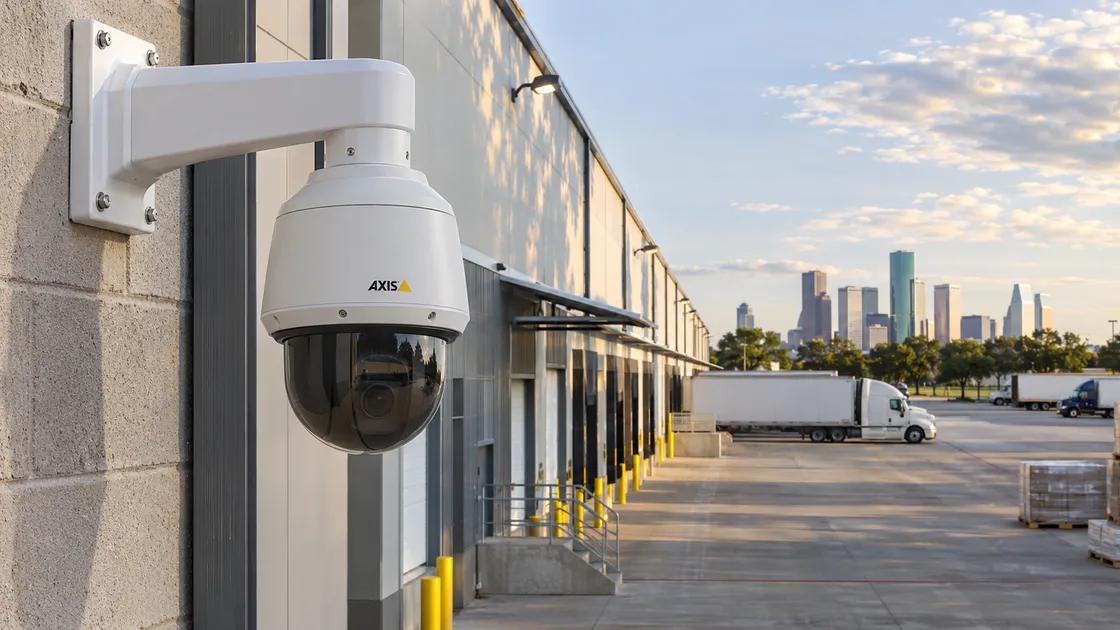
Start with the work the camera must do
A camera count is only the start of a commercial surveillance scope. An entrance view intended to identify a person has a different purpose from an overview of a loading area. Write down the event each view should help your team understand, then review the mounting, lens, lighting and recording arrangement needed to support it.
Give each bidder the same location list and operating goals. Ask how the proposed images will be demonstrated under representative conditions. Compare a complete installed project with another complete installed project, including commissioning and handover, rather than comparing it with a hardware-only shopping cart.
Identify installation and infrastructure responsibilities
Cable pathways, wall construction, mounting height, exterior conduit, lift access and occupied-area restrictions can change the work. Record what is already available and what must be supplied. Clarify who handles power, network ports, switches, supporting equipment, building access and any restoration of finishes.
For leased premises, confirm approval responsibilities for exterior work and pathways before scheduling. If installation must be phased around business operations, include that constraint in the proposal request. A useful scope identifies assumptions and exclusions so the owner can see work that may belong to another party.
Separate management, recording and backup
Cloud-managed does not necessarily mean that every recording is stored off site. Verkada, for example, documents onboard recording and a separate cloud-backup function. Other platforms use different arrangements. Confirm the actual design rather than assuming that a cloud label describes every storage function.
Ask where primary video is recorded, how retention is sized, what remains available during a network outage and how important clips are preserved. Review the process for retrieval and export with the people who will use it. Retention should follow the business's approved requirements and policies; this guide does not prescribe one period for every property.
Compare the cost of ownership
Request installation costs and recurring charges in separate sections of the proposal. Hardware, software, licenses, connectivity, support and maintenance vary by platform and agreement. Ask what happens at renewal, which functions depend on an active license and which administrative responsibilities remain with your team.
Choose a comparison period suited to the business, and document known charges and uncertain future prices. Include training, support arrangements, warranty boundaries, account ownership and the process for removing access when staff leave. Neither an on-site nor a cloud-managed architecture has a universal cost advantage.
Build a reviewable camera request
Gather the property address, intended views, existing equipment, network contacts, desired retention and any installation restrictions. Identify who will approve the scope and who will administer the finished system. These details give the project team a practical basis for a site-specific proposal.
HITEK's existing quote store provides starting scopes for camera planning. Select a package or request a custom project and explain your priorities. The team reviews the request before confirming equipment, installation, price and timing. No generic price range or automatic estimate replaces that review.
Turn a useful guide into a practical plan.
Bring your questions to HITEK. Start with a quote package or request a consultation for your building.
Talk through your project