EQUIPMENT & EXISTING SYSTEMS

Start with what is already in your building.

Gather the make, model and available records for a useful service or modernization conversation. Review the equipment categories below, then describe the system and the work you need.

Request an equipment review
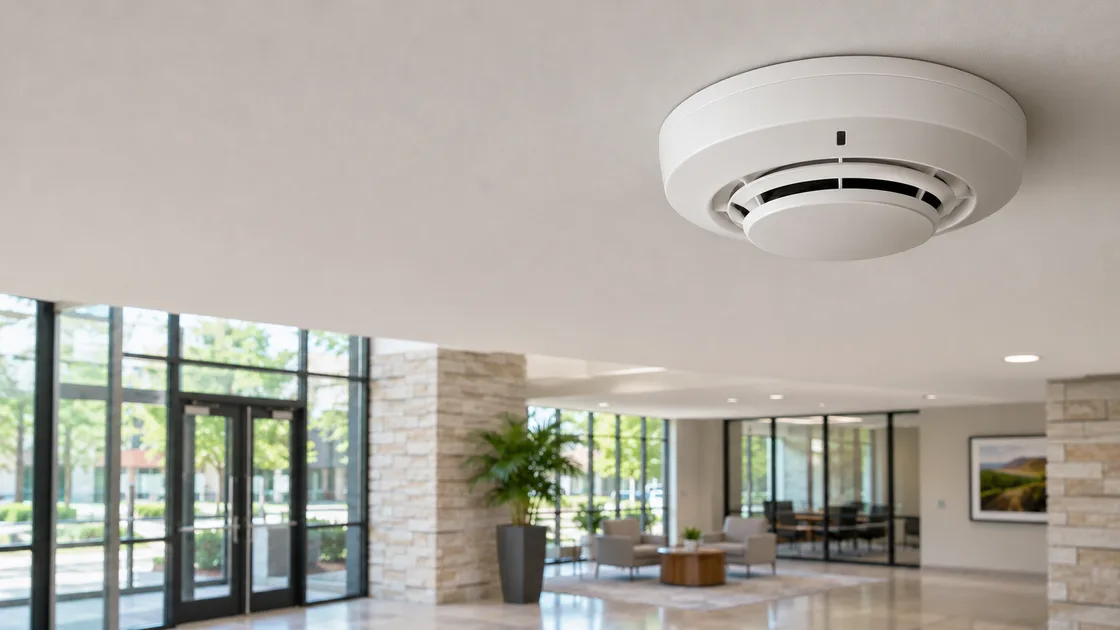
Unbranded ceiling smoke detector in a commercial lobby

Fire alarm equipment

  • Control panels, annunciators and power supplies
  • Detectors, notification devices and system interfaces
  • Available drawings, inspection reports and service history

Record the panel make, model and displayed condition. Equipment compatibility, programming access and the applicable project requirements need review.

Explore this system
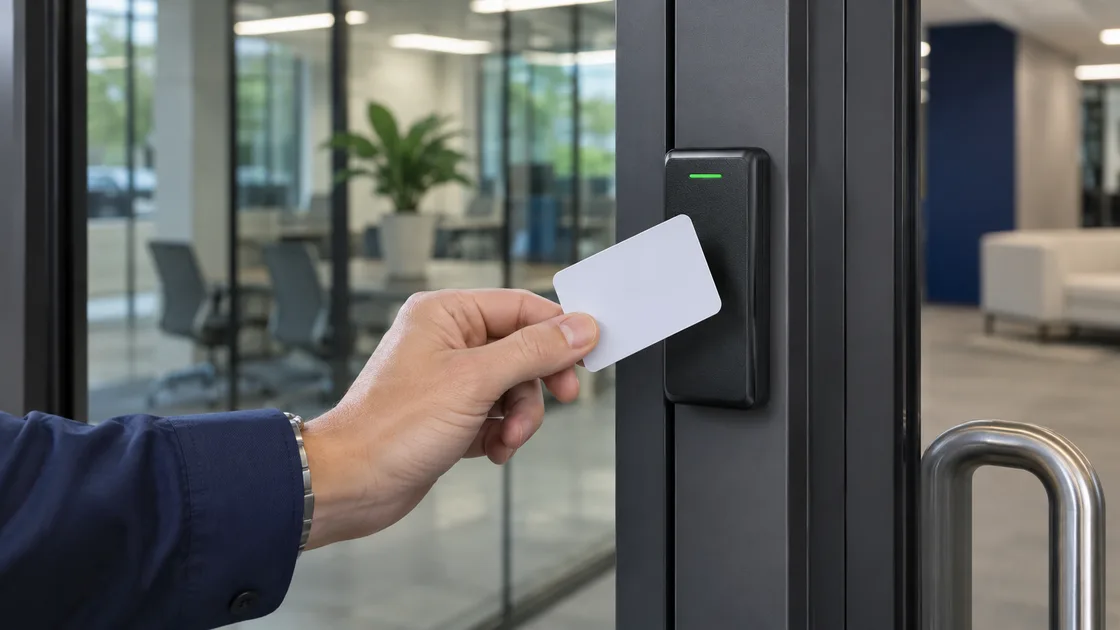
Blank access card held beside an unbranded door reader

Door access equipment

  • Controllers, readers and credentials
  • Electric locking hardware, door contacts and exit devices
  • Management software, licenses and administrator access

Start with the opening and how people enter and exit. Document the actual hardware, required behavior and any fire-alarm interface before selecting replacements.

Explore this system
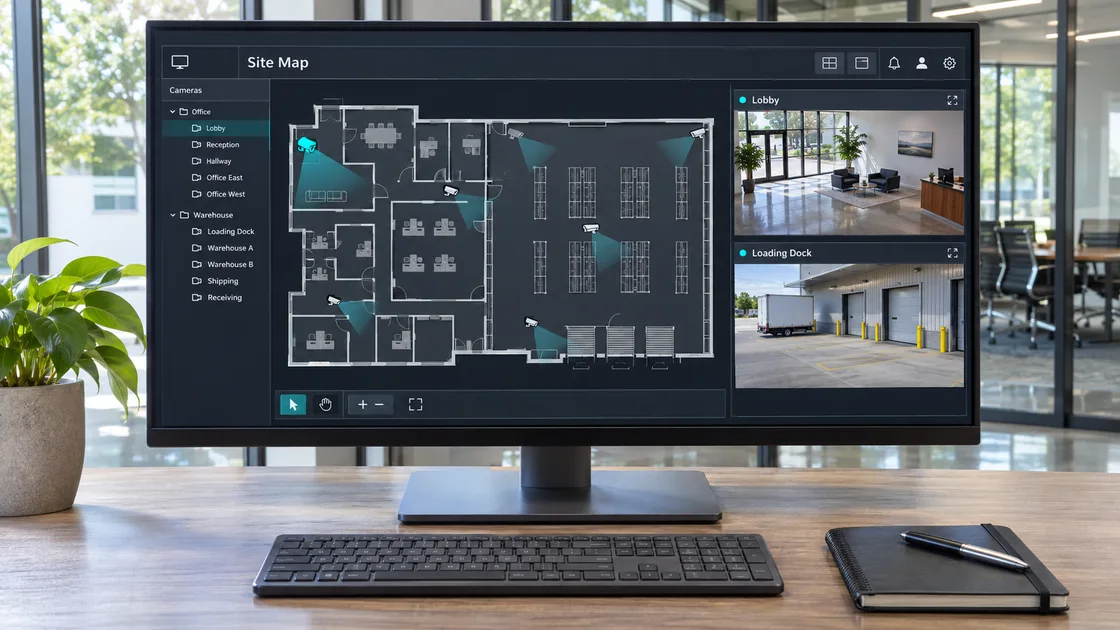
Illustrative video management and camera review workstation

Cameras and recording

  • Cameras, mounts and intended views
  • Onboard, recorder or cloud recording and backup
  • Network power, retention objectives and user accounts

Cloud management and cloud recording are different functions. Review the selected platform, storage arrangement, license terms and ability to retrieve useful video.

Explore this system
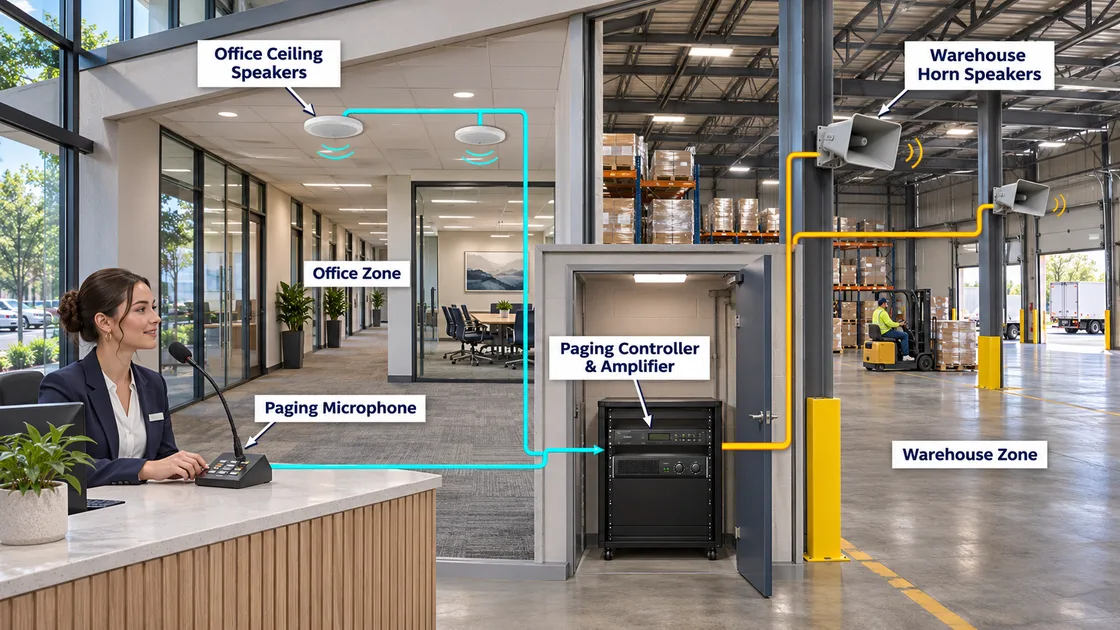
Illustrative commercial public address and paging equipment

Intercom and public address

  • Door stations, answering stations and paging controls
  • Speakers, zones, amplifiers and bell schedules
  • Power, network connections and supported interfaces

Explain which people need to communicate and which areas need to hear a message. Ordinary paging and code-required life-safety voice functions require distinct review.

Explore this system
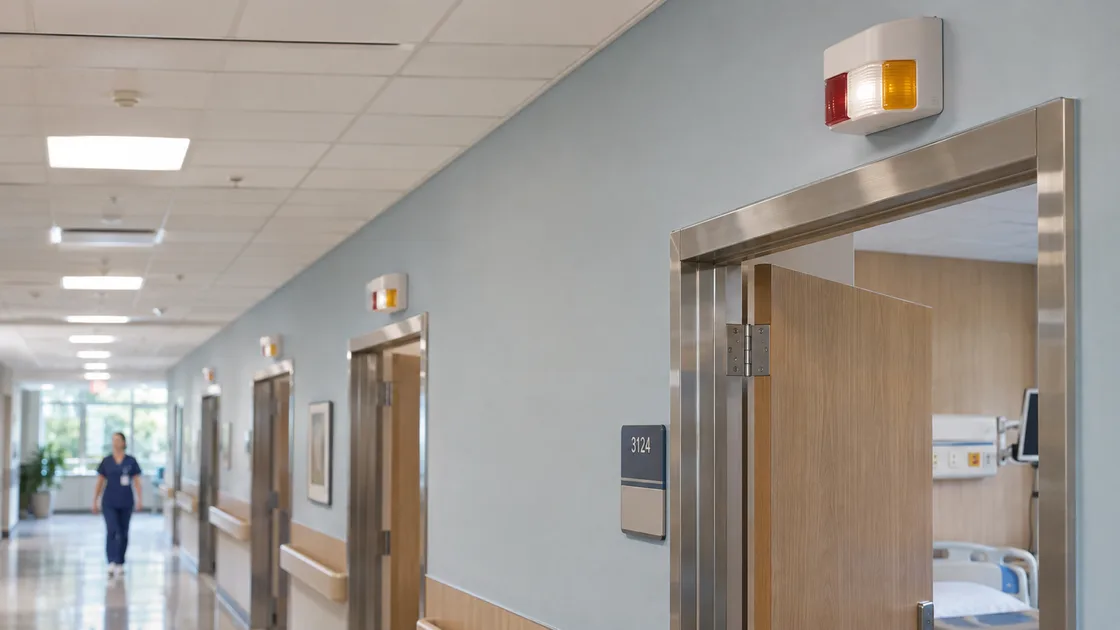
Nurse call indicator light in a healthcare corridor

Nurse call and emergency call

  • Call stations, pull cords, lights and staff displays
  • Alerts, acknowledgement workflow and available records
  • Facility requirements, backup power and transition needs

Include the facility team and responsible design or licensing contacts. The applicable equipment standard and project requirements must be confirmed for the actual setting.

Explore this system
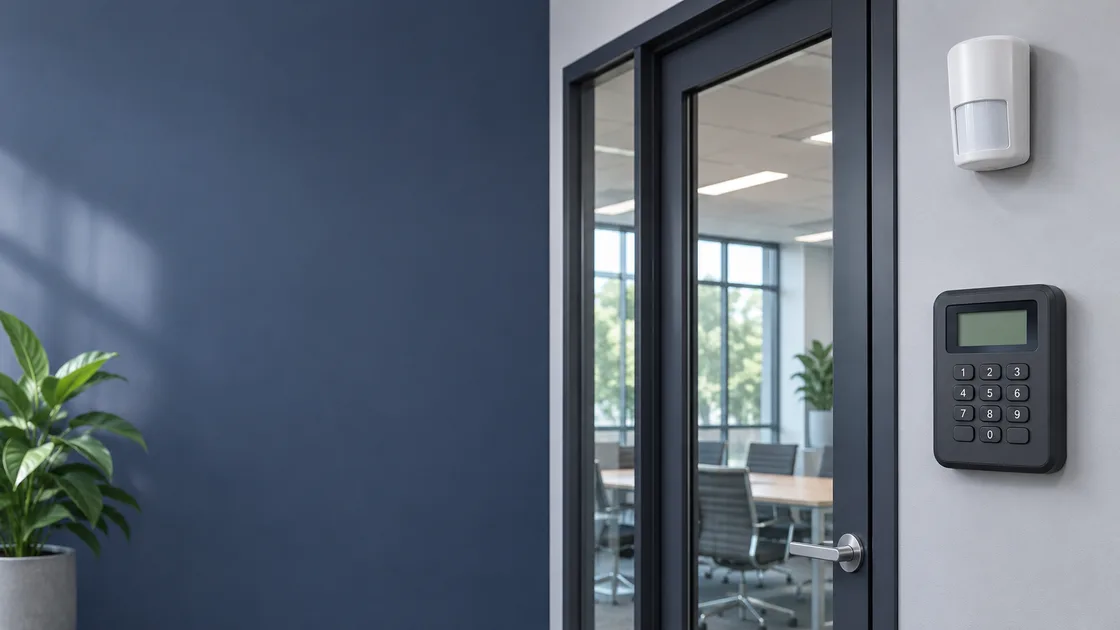
Illustrative unbranded alarm keypad and motion sensor beside an office doorway

Intrusion and monitoring

  • Panel, keypads, contacts and detectors
  • Communicator, monitoring arrangement and call list
  • User routines, existing service and permit information

Share the panel make and model without alarm codes or passwords. Monitoring reuse, communication paths and supported equipment are confirmed after review.

Explore this system
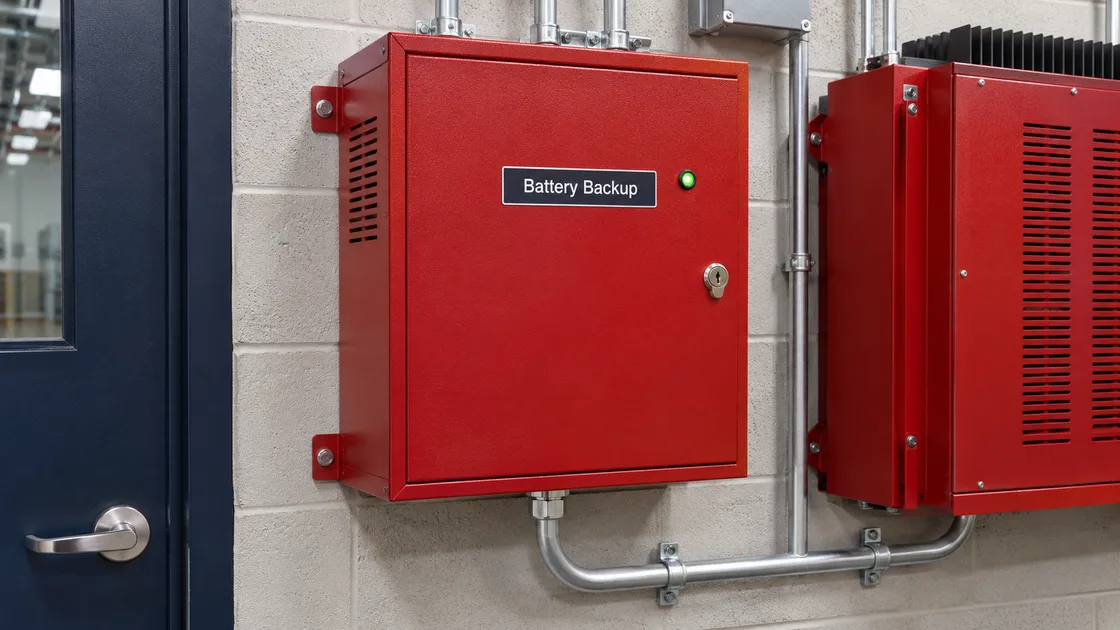
Unbranded public safety radio battery backup and equipment cabinet

Public-safety radio coverage

  • Available coverage assessment and authority comments
  • Amplifier, antennas, cabling and backup-power records
  • Design, acceptance and inspection documentation

A BDA is an amplifier within a broader coverage system. Assessments, radio-system coordination and the responsible authority shape the scope.

Explore this system

Several systems. One useful inventory.

Buildings often contain equipment installed in different phases. Record what is present, its approximate age, current concerns and available service records. Identify what should be kept, what needs review and which interfaces matter to the next phase.

Support depends on the actual manufacturer, model, condition, access and parts availability. The team will confirm service options for your equipment. Ask the company to confirm current manufacturer authorizations and qualifications for the proposed work.

Request current qualifications

LET’S PLAN YOUR NEXT STEP

A safer space starts
with a conversation.

Tell us what you’re protecting.
We’ll help you find the right starting point.

Request a consultation

TELL US ABOUT YOUR SPACE

One useful conversation.
A clearer next step.

Send a short message about your facility, system, or service need. HITEK will review the request and your contact details.

(832) 767-2202

Service visits are scheduled after review. For immediate danger, contact emergency services.

TRUSTED NAMES WE WORK WITH